Appearance Settings
Switch between light, dark, and system themes.
Appearance Settings
Customize how Simple Book Builder looks to suit your preference.
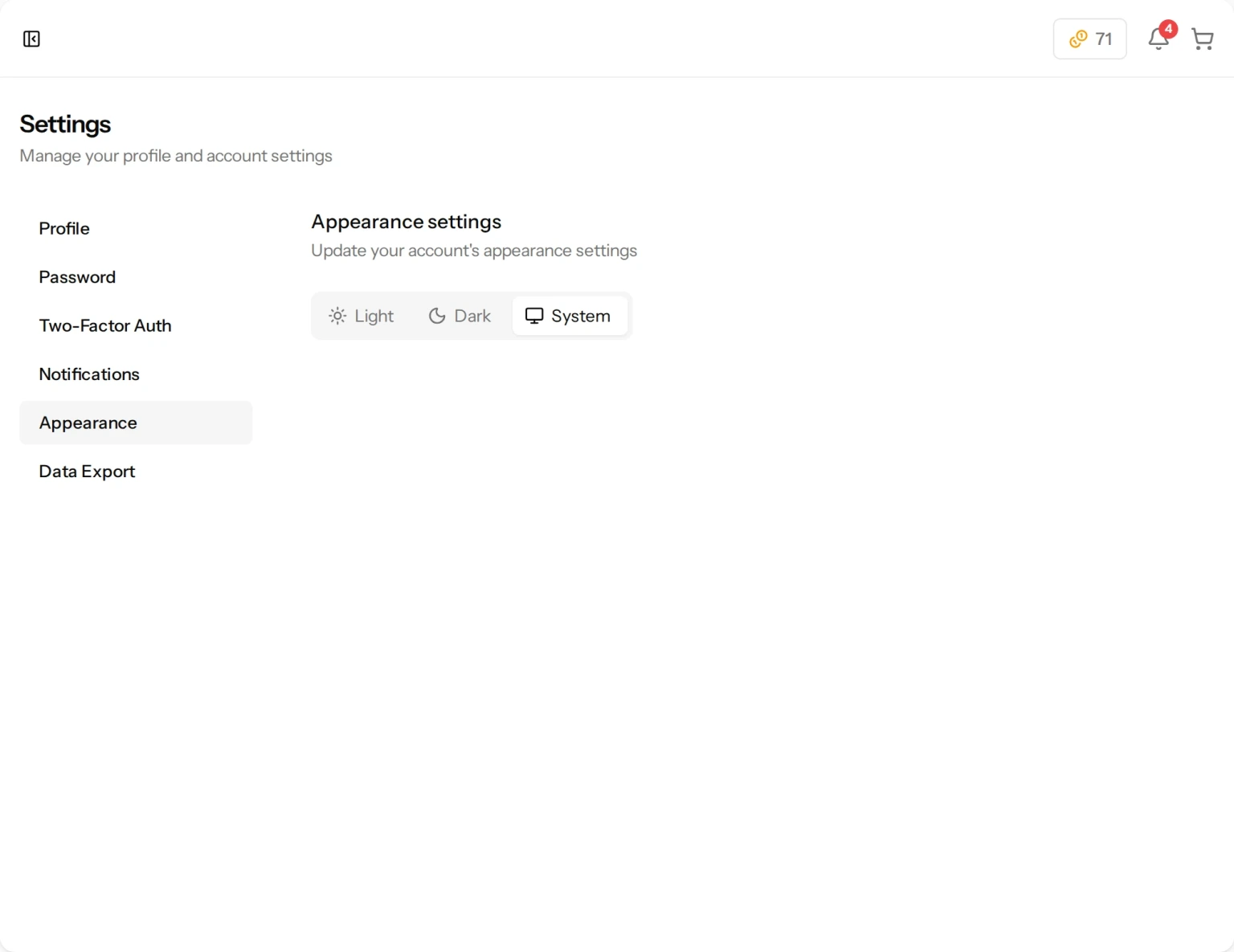
Theme Options
- Go to Settings and click the Appearance tab.
- Choose from three options:
- Light — A bright, white background theme.
- Dark — A dark background theme that is easier on the eyes in low light.
- System — Automatically matches your device’s theme setting. If your device is set to dark mode, the app will use dark mode, and vice versa.
The change takes effect immediately — no need to refresh the page.
Still have a question?
Support tickets are part of your account. Log in or create a free account to open one.